On-device image tools · New name coming
Image studio
Sketch. Compose. Create on device.
Start with a sketch. Or words.
From a sketch
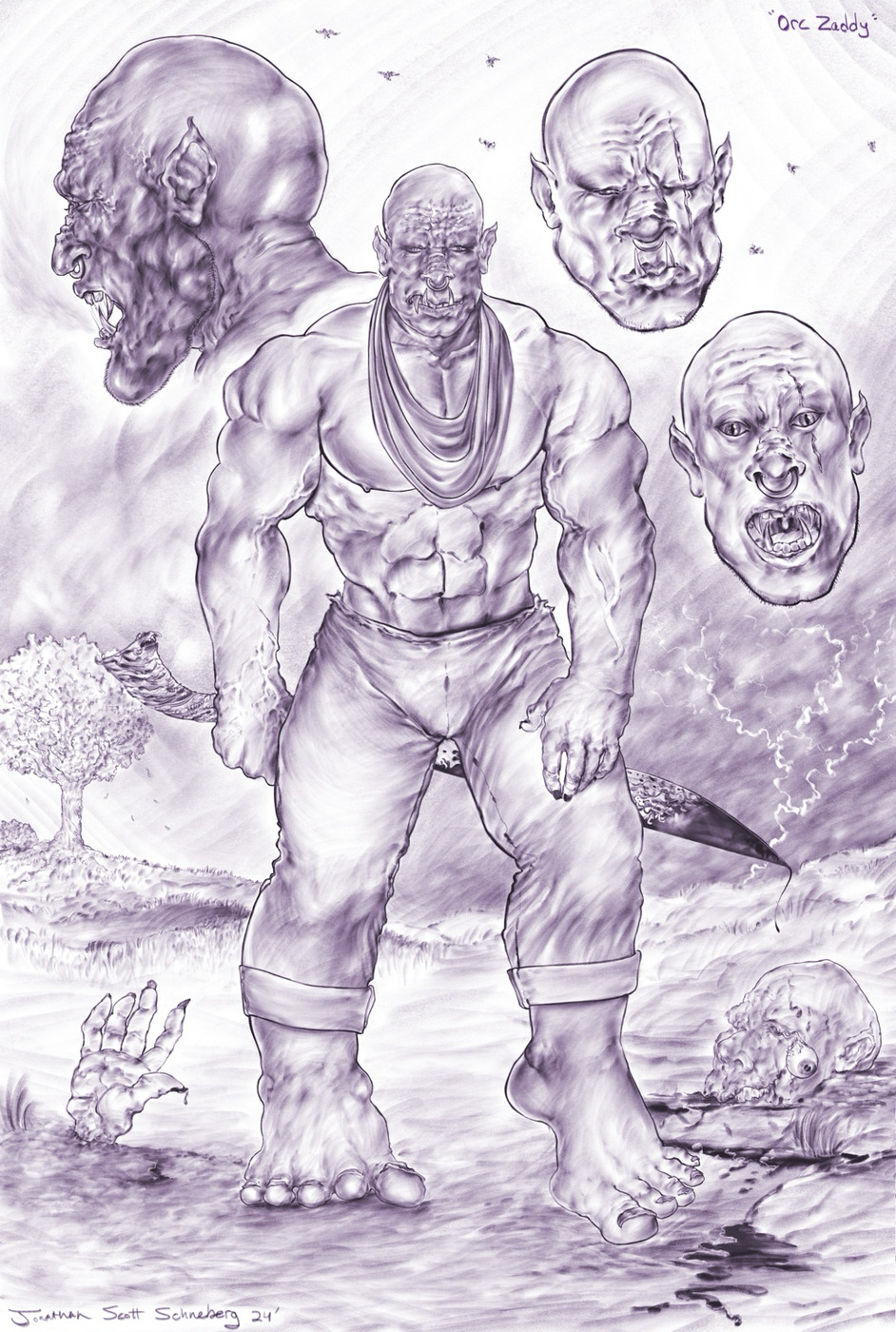
Color interpretation
From drawing to color.
Recorded on-device · Line-art run · Build 244
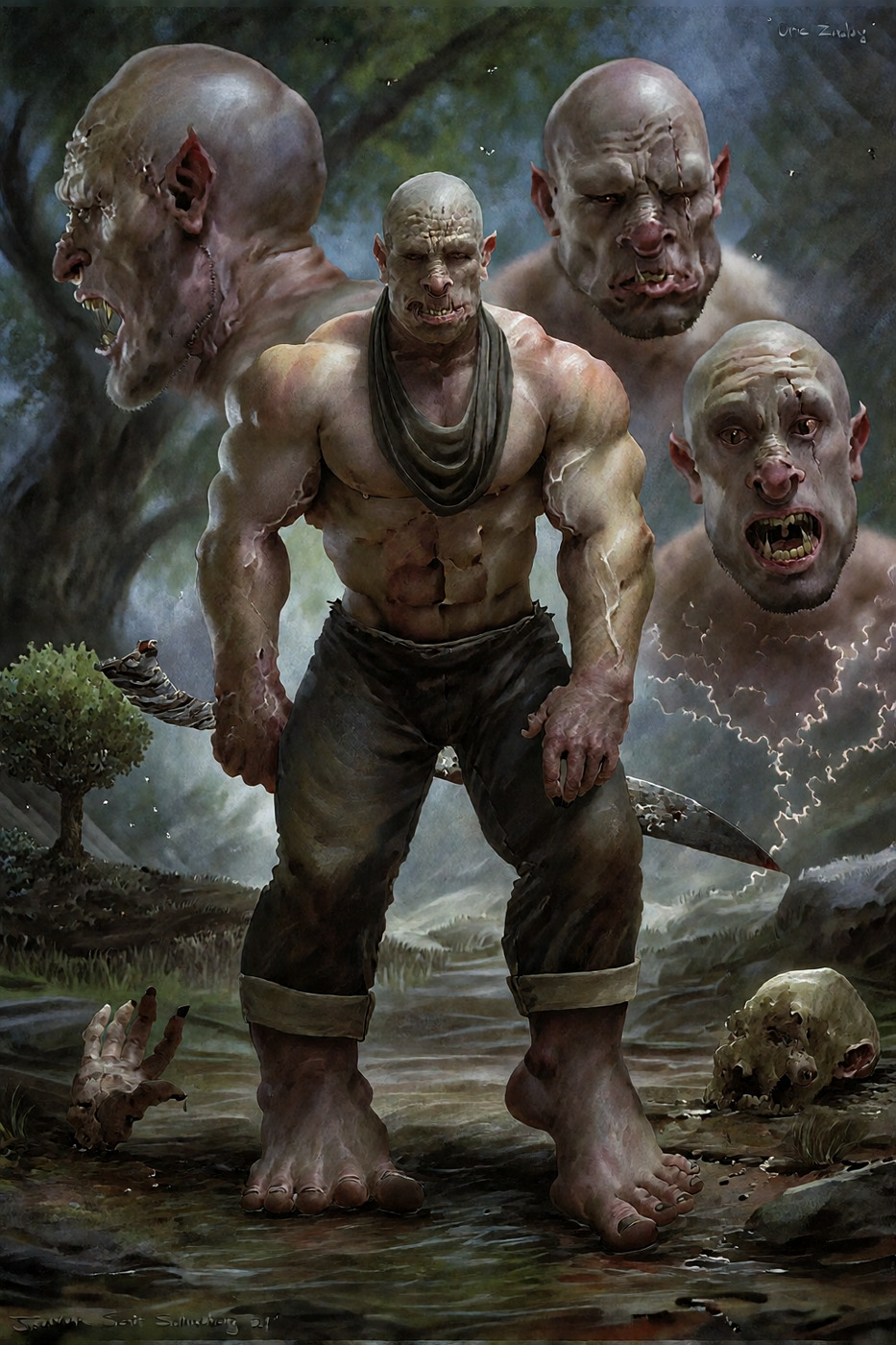
Recorded prompt
Digital coloration, vibrant render
Recorded on-device · Line-art development run · Build 244
Photographic interpretation
From drawing to photograph.
Recorded on-device · Realify run · Build 244
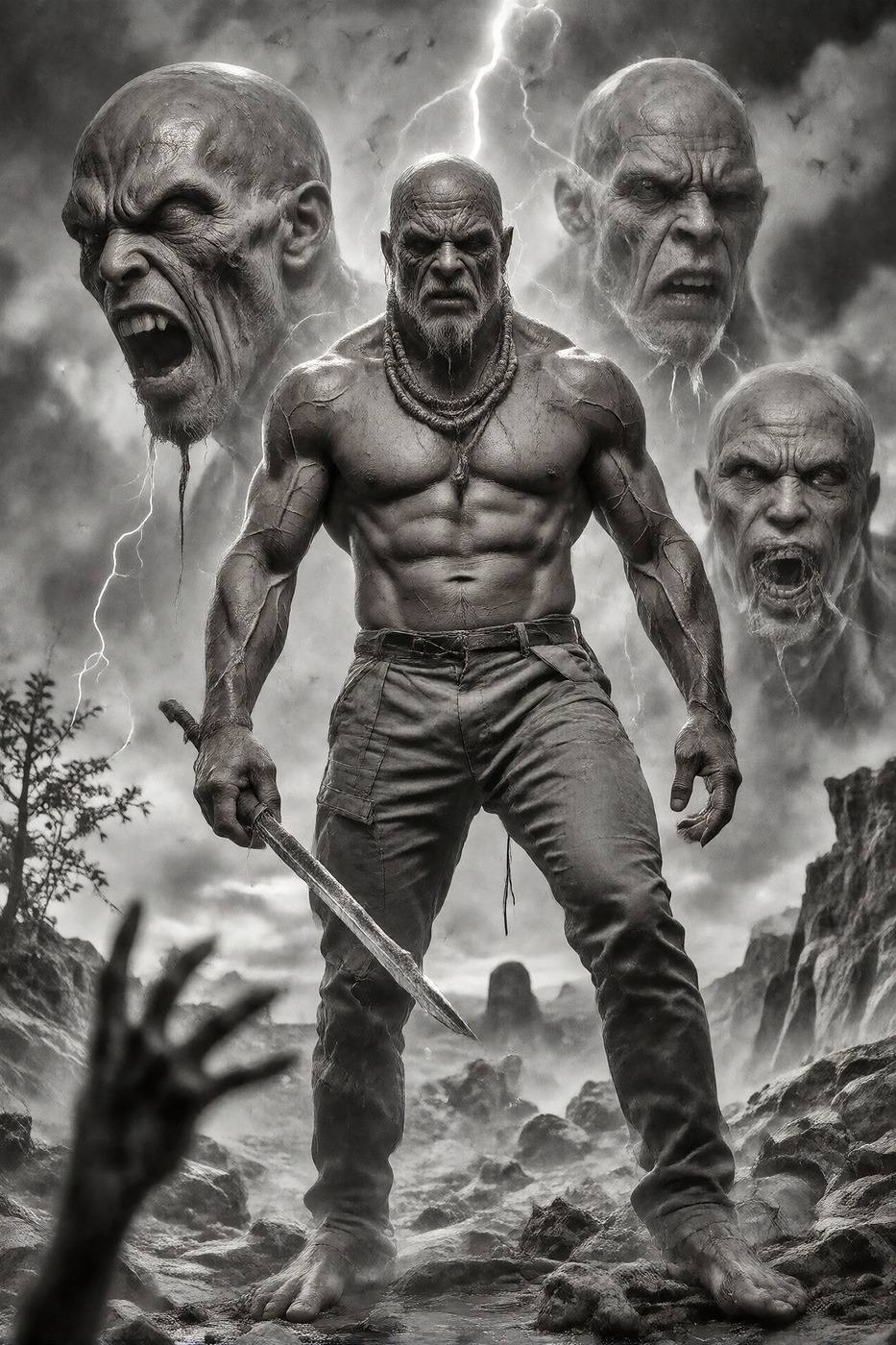
Recorded prompt
transform the image to realistic photograph
Recorded on-device · Realify development run · Build 244
Recorded canvas composition
Two references. One composition.
Recorded on-device composition · Development example
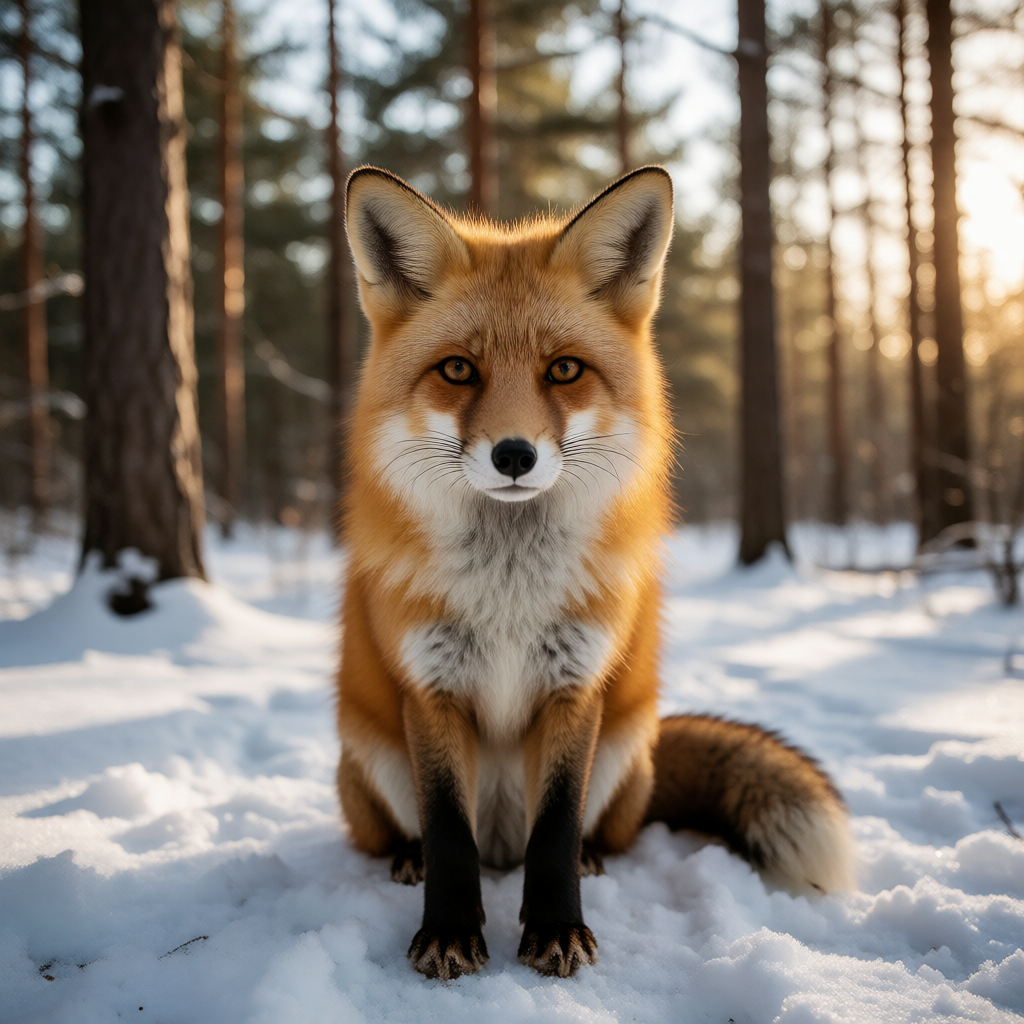
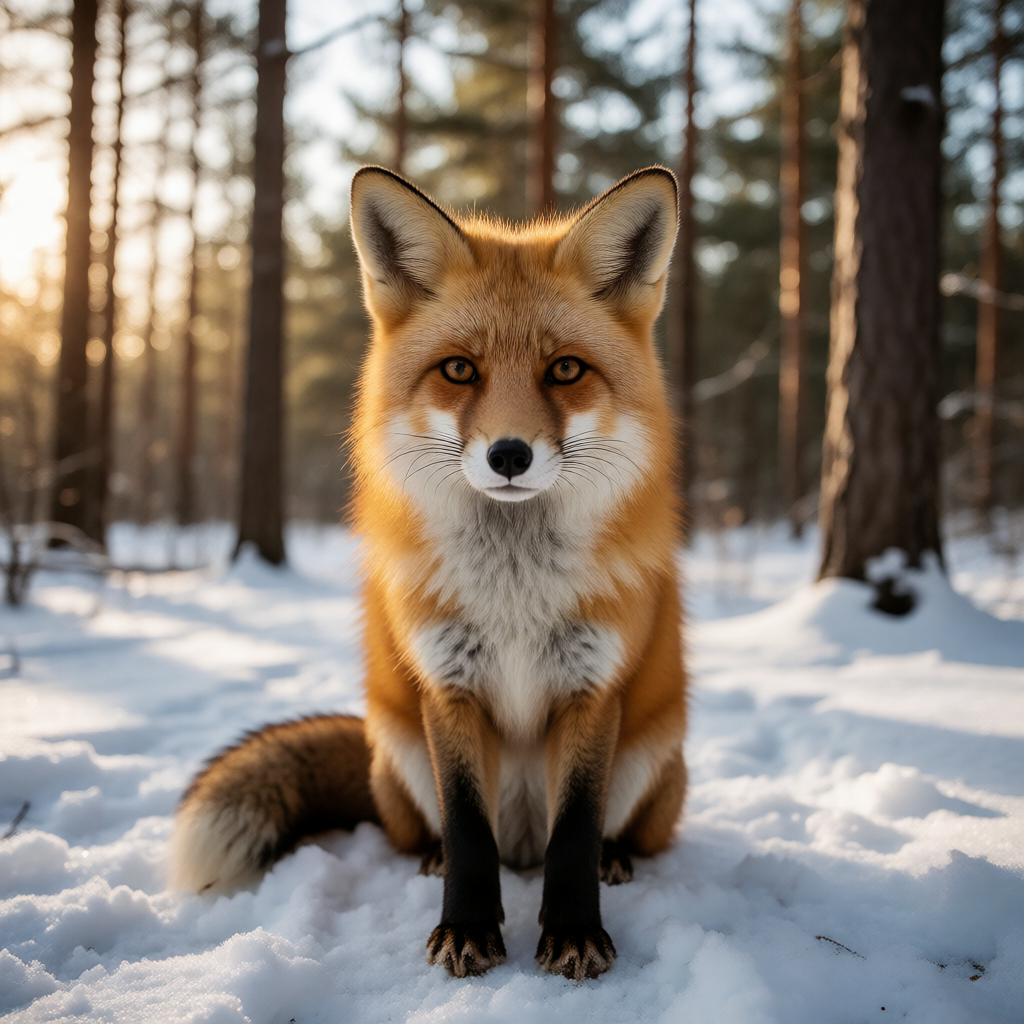
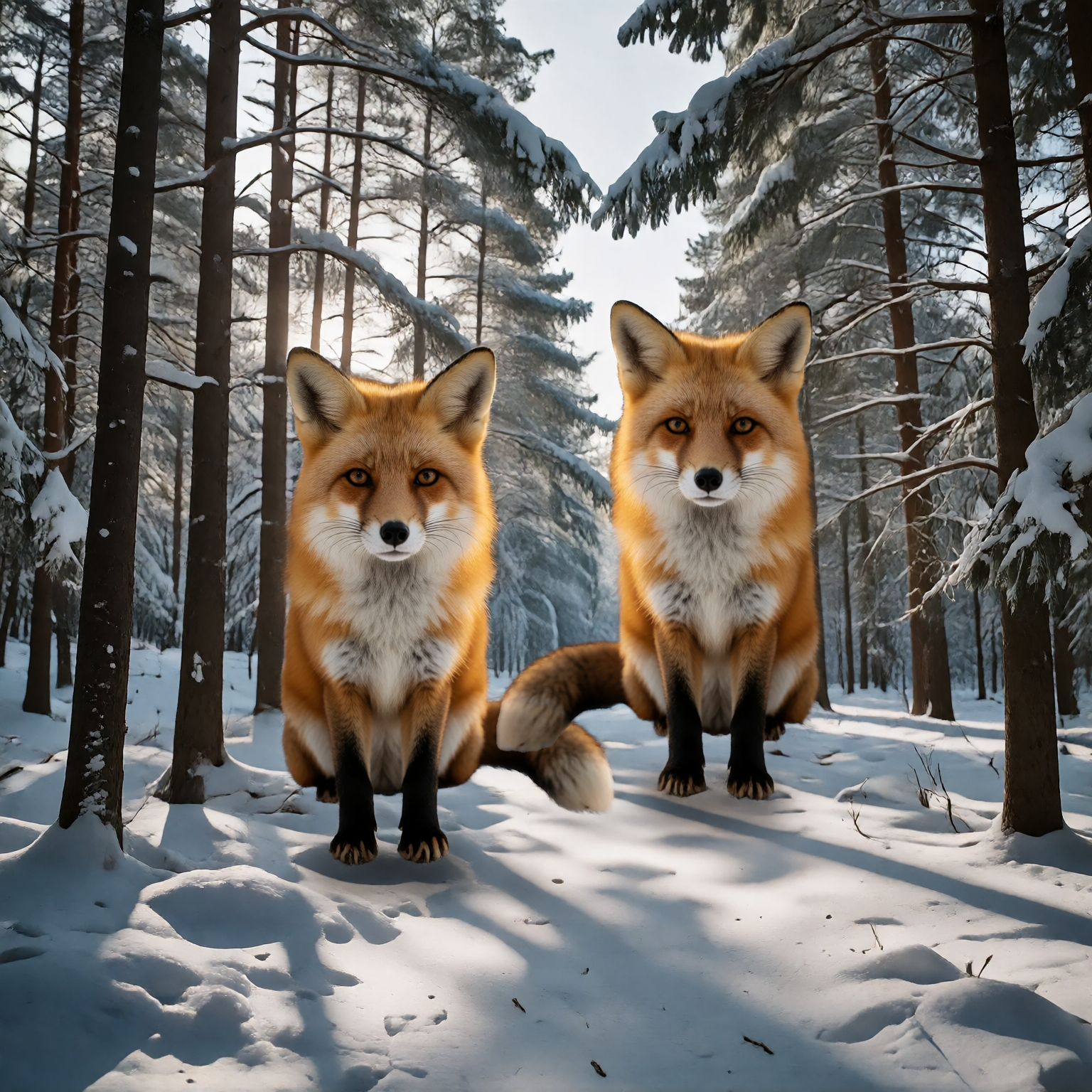
Recorded prompt
Two red foxes sitting close together in a snowy forest clearing, one slightly in front of the other, natural winter light, realistic shadows.
Native canvas benchmark · Fox + mirrored fox reference · Build 252
Recorded native benchmark using a fox reference and its mirrored version, with a generated scene and placed subjects. Existing output, not live generation or a filmed current-interface workflow; it does not establish generalized prompt compliance, identity preservation, processing speed or release-device support.
From a written prompt
Written scene. Recorded image.
Recorded on-device text-to-image run · Earlier build 189
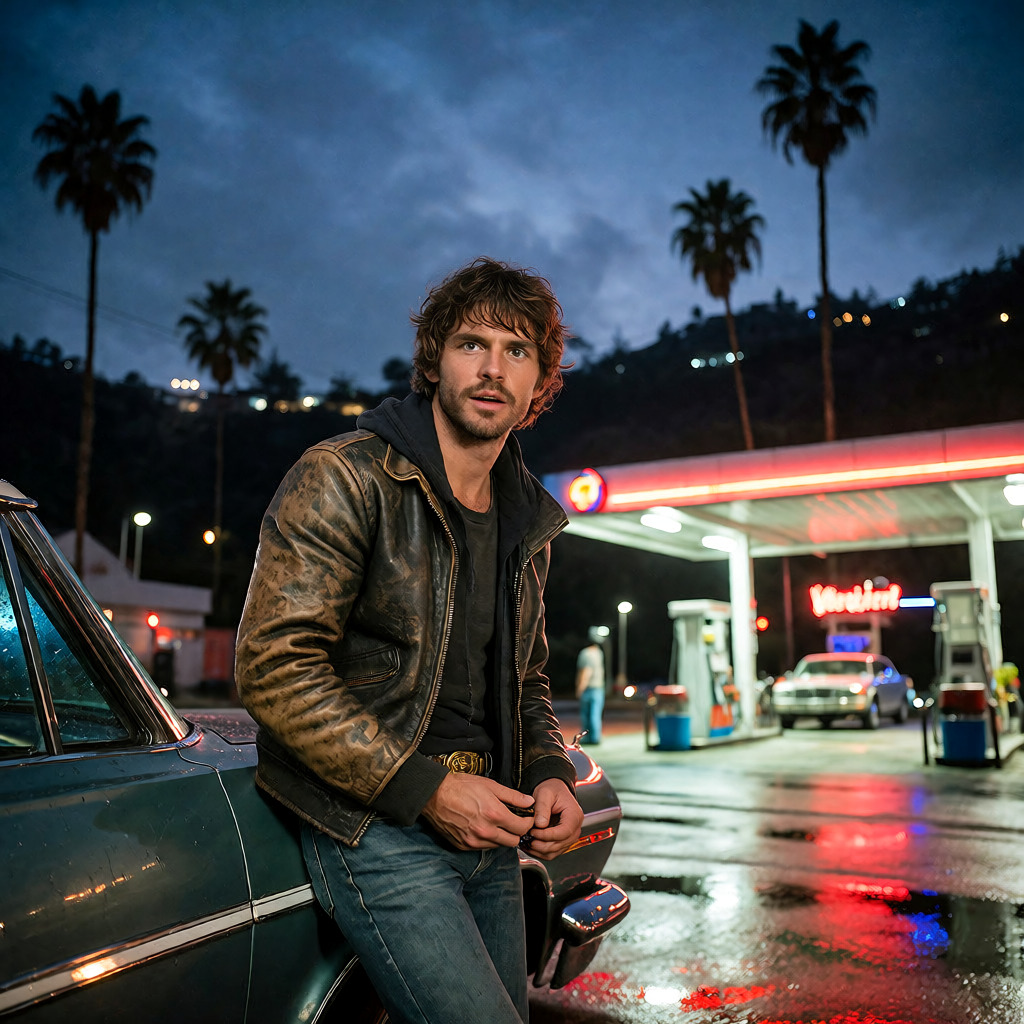
Text-to-image development run · No sketch or reference input
RECORDED PROMPT
an eye-level candid shot of a man in a worn leather jacket leaning on a lowrider at a neon-lit gas station at night, palm trees and hills behind, wet asphalt reflections
About these examples
Color and Photo reinterpret one sketch in build 244. Canvas is a separate build-252 native benchmark using a fox reference and its mirrored version, with a generated scene and placed subjects. It is not a filmed current-interface workflow or proof of generalized prompt compliance, identity preservation or processing speed. From words is an earlier build-189 run. Existing outputs, not live generation. Final name and release-device support remain pending.
A sketch is one way in.
Reinterpret a drawing in color or as a photograph, arrange references into a composition, or begin with a written scene. The image models run locally.
For making images from drawings, references or words with local models. Final identity and device support are pending.
Image studio details
Who it’s for
For developing drawings and reimagining images with local models.
What you can do.
Develop a drawing.
Use a sketch as a starting point for generation and editing, then explore another creative direction.
Compose from references.
Arrange reference images into a composition, then explore a new result with local models.
Create from words.
Describe the image you want to make and develop it with models running on your device.
Before you start.
Availability
New identity in development
Store access, pricing and release dates will be added when confirmed.
- Local models
- Image creation and editing use models running on your device. Supported devices and model requirements are still in development.
- New identity
- This is the project previously known as KreaPocket. Its final name and branding are pending.
Recorded evidence
One drawing. Another direction.
Recorded on-device interpretation · Build 244.
Line-art development run · Recorded prompt: “Digital coloration, vibrant render”. Existing native output, not live website generation. Final name and release-device support remain pending.
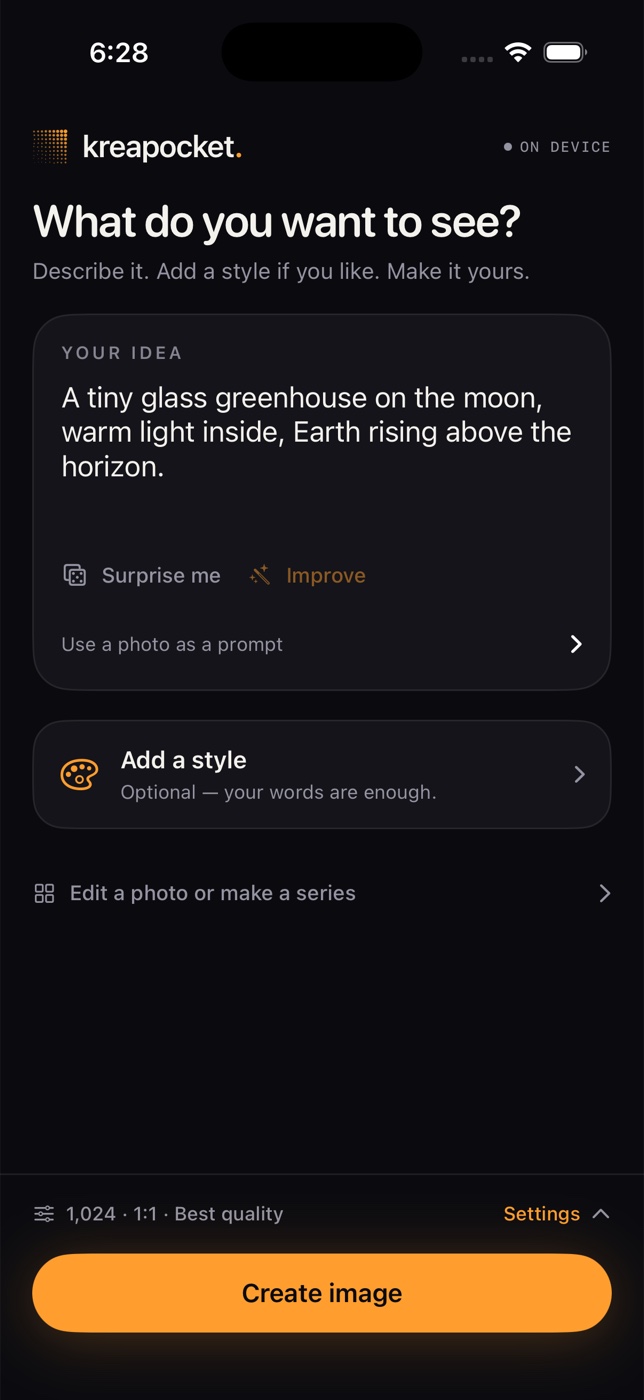
Later prompt-first workspace
A prompt-first workspace.
Later development interface. Previous KreaPocket name.
Earlier on-device output · Famegrid portrait
Actual on-device output · Earlier development build
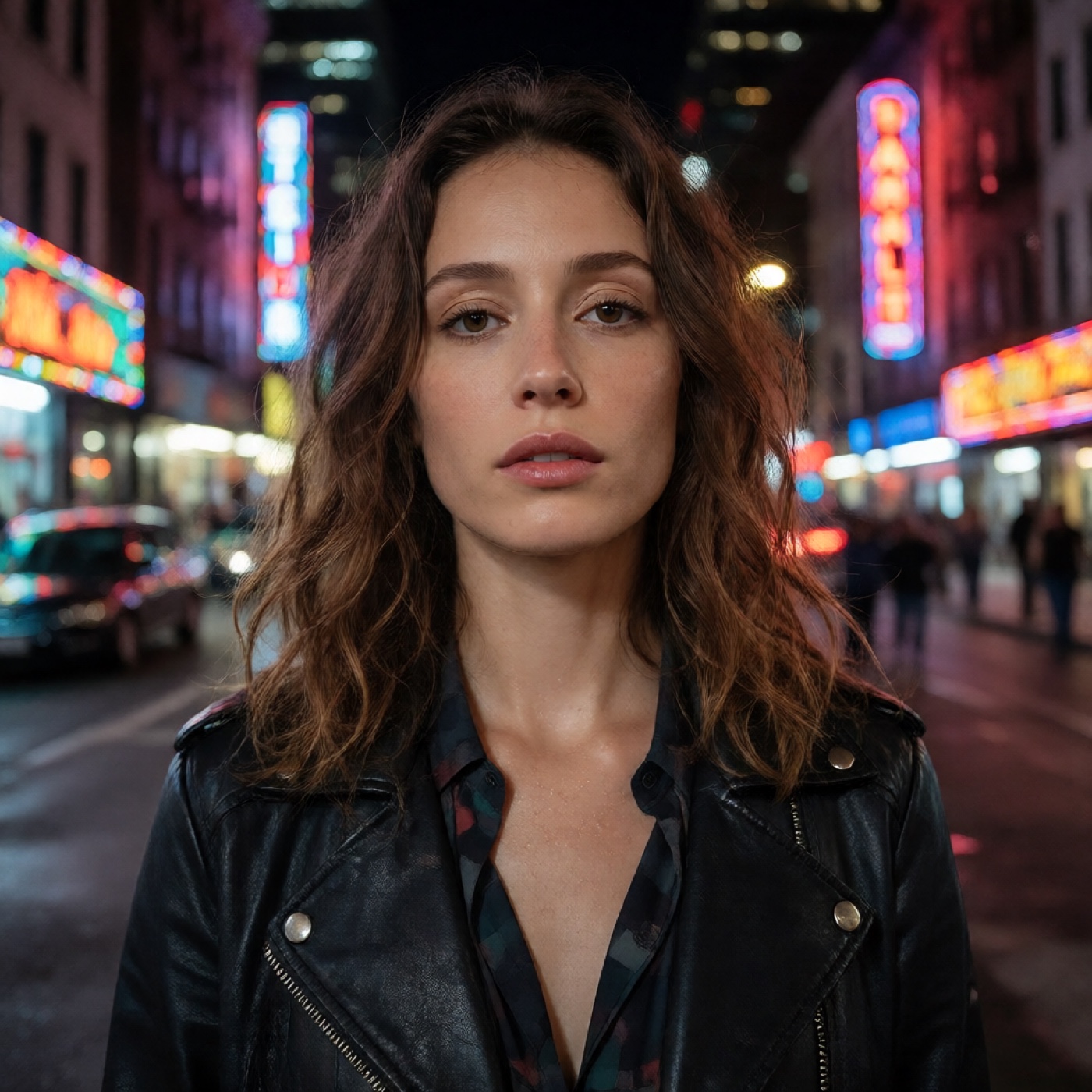
THE STARTING PROMPT
A confident fashion model in a neon-lit downtown street at night, polished editorial portrait photography, realistic skin texture.
Generated locally with the Famegrid style in a development build. This output comes from an earlier build than the current interface preview; it is not a recording of the current workflow.
What this preview shows
The sketch and two interpretations come from recorded native development runs in build 244. Both receipts identify the same input sketch; the Line-art and Realify runs use different models and recorded prompts. Canvas shows a separate build-252 native benchmark using a fox reference and its mirrored version, with a generated scene and placed subjects. Its complete result is existing output, not a filmed current-interface workflow, proof of generalized prompt compliance, identity preservation, processing speed or release-device support. A separate prompt-first image comes from an earlier build-189 run without a sketch or reference input. These are existing recorded outputs, not live website generation or a claim about release-device support. The earlier Famegrid portrait remains separate evidence. The interface still shows KreaPocket; the final identity is being developed.